 Jay Trading Company
Home / Blog / Designer Panels
Designer Panels
How to Use the Divino Panel Visualizer to Choose Your Wall
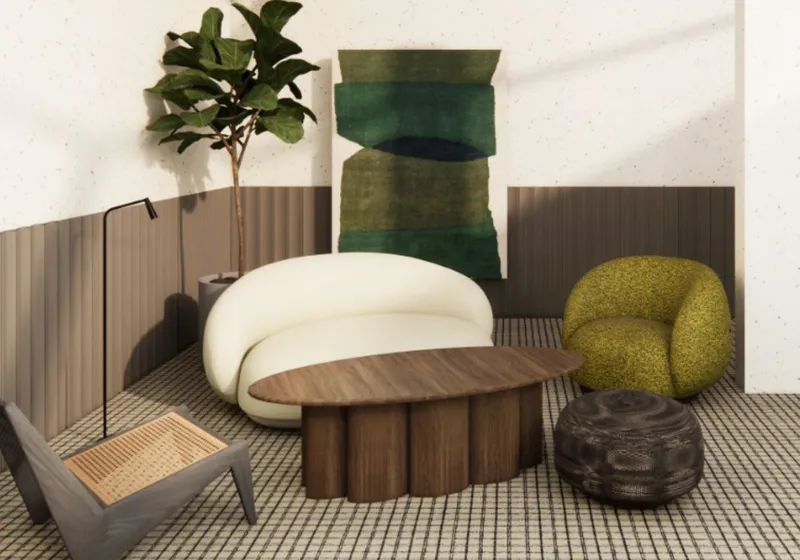
Our Divino panel visualizer lets you pick a panel profile and a finish and see them together on a 3D wall, with realistic grooves, light and wood grain. It is the quickest way to shortlist a combination before you visit the showroom.
Why use it
Panels are about how light falls on the grooves. A flat photo of a sample cannot show how Ridge looks compared with Crescent on a full wall, or how a dark walnut compares with a light oak in the same profile. The visualizer shows this in a few clicks.
How to use it
- Open the panel visualizer.
- Choose a profile: Crest, Ridge, Channel, Plank, Crescent, Pipe, Rumble or Wave.
- Choose a finish: woods and solid colours.
- Look at the wall from different angles to see how the grooves catch the light.
- Compare a few combinations and note your favourites.
Tips
- Shortlist two or three combinations rather than one.
- Think about your room's light: deeper profiles look more dramatic with side lighting.
- Consider your furniture: a dark sofa may look best against a light wall, and the other way round.
- Remember screens vary: colours on phones and laptops differ, so use the visualizer to shortlist and the showroom to decide.
Next steps
- Measure your wall width and height.
- Use the estimator on the Divino panels page to calculate panels.
- Visit our showroom in Coimbatore with your shortlist to see the real panels.
- Share your measurements on WhatsApp for a quote.
Panels are made to order, with manufacturing and delivery taking 7 to 10 days.
Frequently asked questions
Is the visualizer accurate?
It shows the profile and finish realistically, but screens vary. Confirm colours with real samples.
Can I use the visualizer on my phone?
Yes. It works in a phone or computer browser.
Have a question about designer panels? Message us on WhatsApp or visit JTC Studio in Coimbatore, near Chintamani Signal, Monday to Saturday from 10 AM to 7:30 PM.